Proposal to Quote to Invoice: Wiring the Free Stack Together
Write a proposal with a real scope of work, get it accepted, convert it to an invoice with one click, and if it needs to land in your books, export it as a QuickBooks or Xero-ready CSV. The full free workflow, step by step.
RevExOS
Q2C Consulting
A proposal that gets accepted is a job that needs to get billed. In most freelance and small-agency workflows, that means opening a second tool and retyping the scope you just wrote as a set of line items on an invoice. This walks through doing it without the retyping, using RevExOS's free proposal, invoice, and parsing tools chained into one flow.
Step 1: Write the Proposal With a Real Scope of Work
Open the Proposal Generator. Fill in your business info, the client's info, a proposal number, and a "Valid Until" date. The field that matters most here is Scope of Work - a dedicated free-text section separate from your pricing table, meant for what you're actually doing: the deliverables, the timeline, what's included and what isn't. This is what makes a proposal a proposal rather than a bare price list; a vague scope here is the single most common reason proposals get renegotiated after acceptance, so write it like you mean it.
Below the scope, add your line items (description, quantity, rate), set your tax rate and currency, add any closing notes or terms, and download the PDF. Send it the way you normally would.
Step 2: Client Accepts
This happens outside the tool - an email reply, a signed copy back, a verbal yes on a call. Nothing about the software changes here; it's the trigger for the next step.
Step 3: Convert to Invoice, One Click
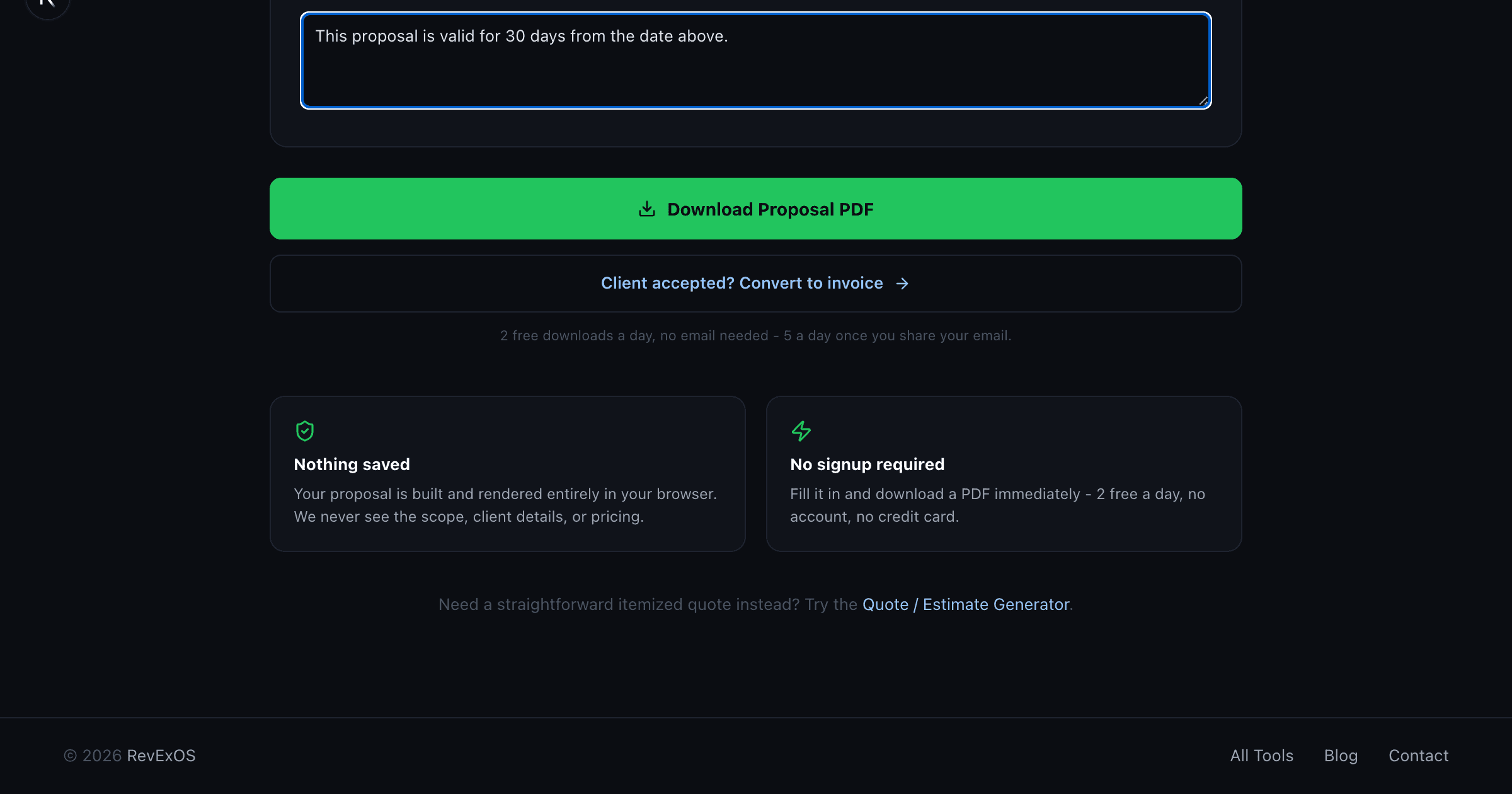
Go back to the same proposal in your browser and click "Client accepted? Convert to invoice." This carries your business info, client info, every line item, tax rate, and currency straight into the Invoice Generator, already filled in. The scope of work itself doesn't carry over, since an invoice doesn't have a scope field, but the pricing that was built from it does, exactly as agreed.
Technically, this happens through the browser's sessionStorage, not a server call - the data never leaves your machine, isn't logged, and disappears if you close the tab without completing the handoff. The same "nothing sent to a server" model applies to the PDF rendering itself: both the proposal and the invoice are built client-side with @react-pdf/renderer.
On the Invoice Generator screen, add an invoice number and a due date (those aren't carried over, since a proposal's "Valid Until" and an invoice's due date are different things by nature), glance over the line items to confirm nothing looks off, and download. That's the entire re-billing step: no line item typed twice.
Step 4: If You Need It in Your Books, Run It Through the Parser
The Invoice Generator only produces a PDF - there's no bulk-import export, because a single freshly generated invoice doesn't need one. If you're bookkeeping for yourself or a client and want that invoice recorded properly instead of manually keyed into QuickBooks or Xero, take the PDF you just downloaded and upload it to the Invoice Parser. It extracts the same data back out (invoice number, dates, line items, totals) into an editable review screen, and from there you can export a QuickBooks Online-ready CSV or a Xero-ready CSV built to each platform's real bulk-import column headers.
This is the honest version of "full automation": you're not typing the numbers a third time, but you are still uploading a file and picking an export format, and both QuickBooks and Xero still require you to review the import before it's final (QuickBooks maps columns on upload; Xero lands bills as drafts that need approval). The value isn't zero manual steps, it's zero re-typed numbers.
The Full Loop, Start to Finish
- Write the proposal with a real scope of work. Download the PDF, send it.
- Client accepts.
- Click convert. Land on a pre-filled invoice. Add invoice number and due date. Download, send.
- If it needs to be in your books: upload that invoice PDF to the Invoice Parser, review the extraction, export a QuickBooks or Xero-ready CSV, import it there.
Four tools, one continuous document, zero typed-twice numbers, and nothing saved on a server at any step - every generator renders client-side, and the parser processes an uploaded file in memory for the length of one API call before it's gone. The daily limit is the same across all of them: 2 free uses a day with no email, 5 a day once you share one.
What This Isn't
This isn't a bookkeeping system, and it isn't built for volume - the free tier is sized for a freelancer, a solo consultant, or a small agency's occasional proposal, not a business running hundreds of invoices a month. It's also not fully automated in the sense of zero human involvement: you still write the scope, still review the extraction before export, and still approve the import inside QuickBooks or Xero. What it removes is the specific, avoidable failure mode of retyping the same numbers three or four times between the moment a client says yes and the moment the invoice is sitting in your books correctly.
For the full map of every tool in this stack and the rest of what's written about each one, see the complete free quote-to-cash stack overview.
Start here: Proposal Generator.
Frequently Asked Questions
- Does converting a proposal to an invoice keep the scope of work?
- No. The scope of work doesn't carry over since an invoice has no scope field, but the line items, pricing, tax rate, and currency built from that scope do.
- Is any of this data sent to a server?
- No. The proposal-to-invoice handoff uses the browser's session storage, and both PDFs render client-side. Only the Invoice Parser step involves a server call, and that file is processed in memory and never stored.
- Do I still need to review anything, or is this fully automated?
- You still write the scope once, review the parser's extraction before exporting, and approve the import inside QuickBooks or Xero. What's eliminated is retyping the same numbers more than once.