The Free Quote-to-Cash Stack: Proposal, Quote, Invoice, and Parser, End to End
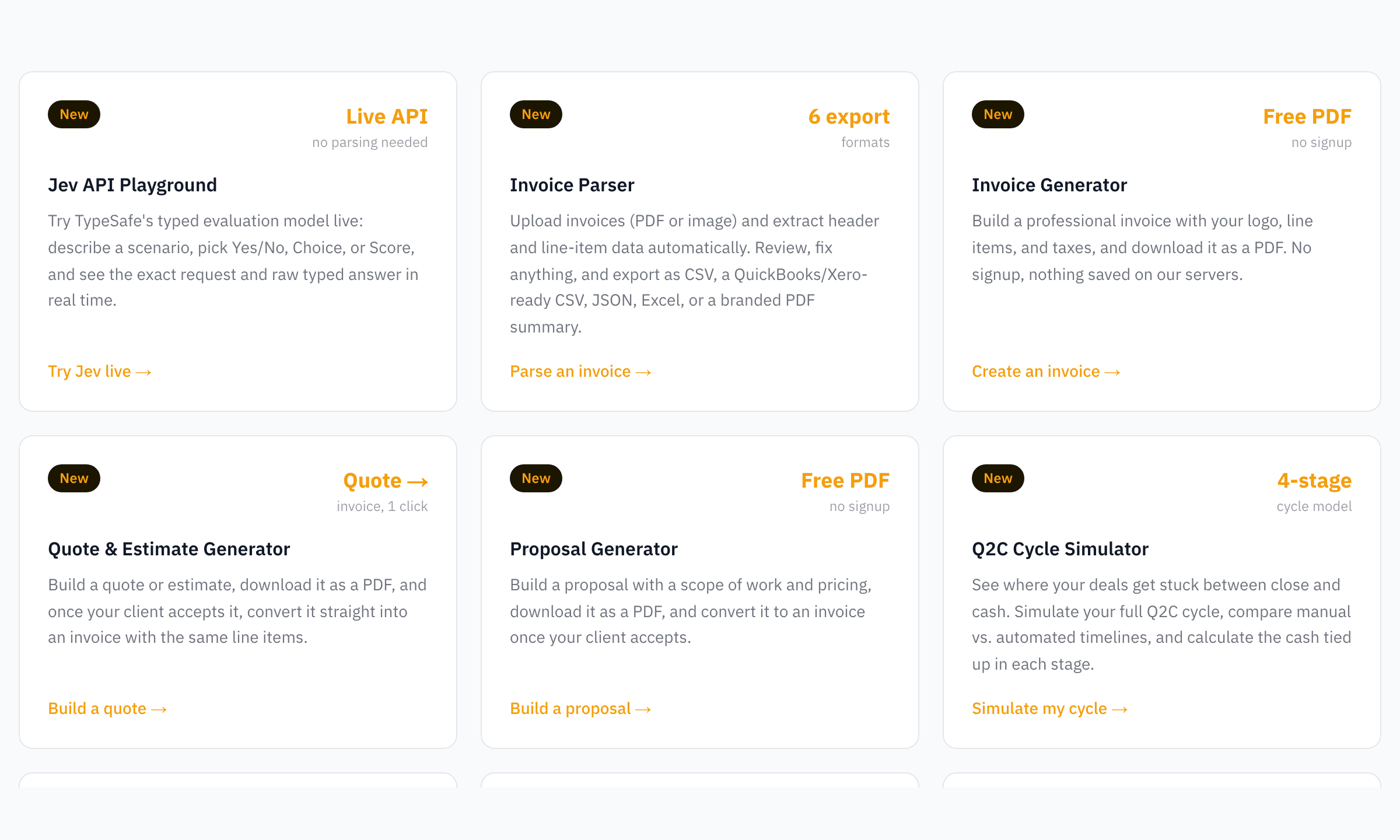
Four free tools chain into one workflow: write a proposal, convert it to a quote or straight to an invoice, download a PDF, and if you need it in your books, run it through the parser and export a QuickBooks or Xero-ready CSV. No signup, nothing saved, zero monthly cost.
RevExOS
Q2C Consulting
Most small quote-to-cash workflows break in the gaps between documents, not inside any single document. A proposal gets written in one tool, the quote gets rebuilt from scratch in another, the invoice gets typed a third time when the client finally says yes, and by the time it needs to land in QuickBooks or Xero, someone is manually re-keying line items a fourth time. Every re-entry is a chance for a number to change by accident.
RevExOS built four free tools that solve this by sharing one document model instead of four. This post is the map: what each tool does on its own, and how they chain into a single free stack from first draft to bookkeeping-ready export.
The four tools
| Tool | What it produces | Where it hands off |
|---|---|---|
| Proposal Generator | A narrative proposal PDF with a scope of work, line items, and pricing | One click converts to an invoice |
| Quote & Estimate Generator | A line-item quote or estimate PDF | One click converts to an invoice |
| Invoice Generator | A client-ready invoice PDF | Manual entry into your books, or run through the Parser for a bulk-import CSV |
| Invoice Parser | Structured data extracted from any invoice PDF or image | Exports as a QuickBooks Online-ready CSV, a Xero-ready CSV, JSON, Excel, or a branded PDF summary |
All four share the same limits and the same privacy model: 2 free uses a day with no email, 5 a day total once you give an email, and nothing you type is ever saved on a server. The generators render your PDF entirely in your browser using @react-pdf/renderer, and the parser processes an uploaded file in memory for the length of one API call before it's gone. What gets logged is a timestamp, a tool name, and an IP address for abuse prevention, never your line items, client names, or amounts.
The end-to-end path
1. Start with whichever document matches the situation. A one-off consulting engagement with a real scope of work usually starts as a proposal. A well-defined project with clear line items usually starts as a quote or estimate. If you already know exactly what you're billing and there's no negotiation step, skip straight to the invoice.
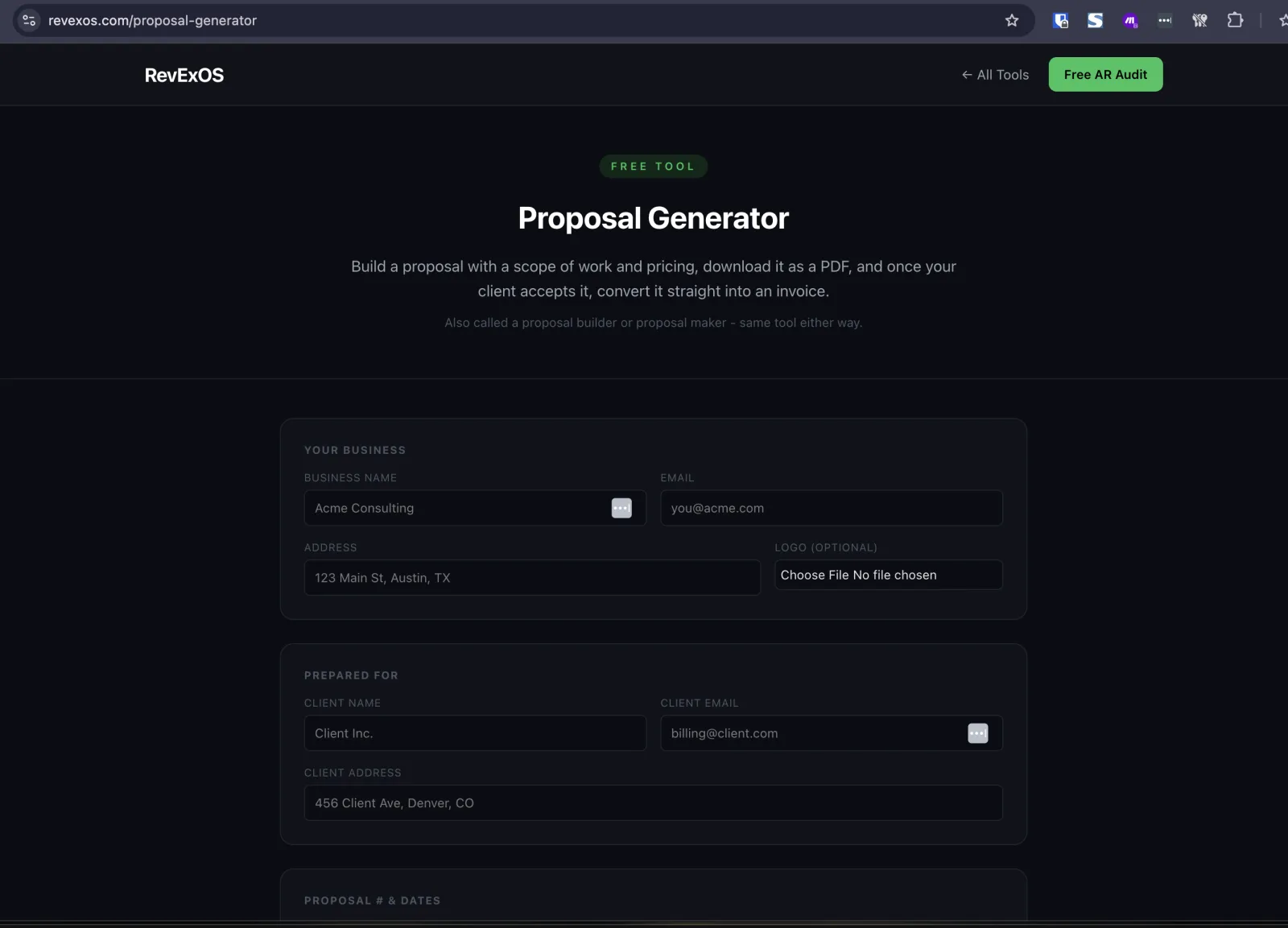
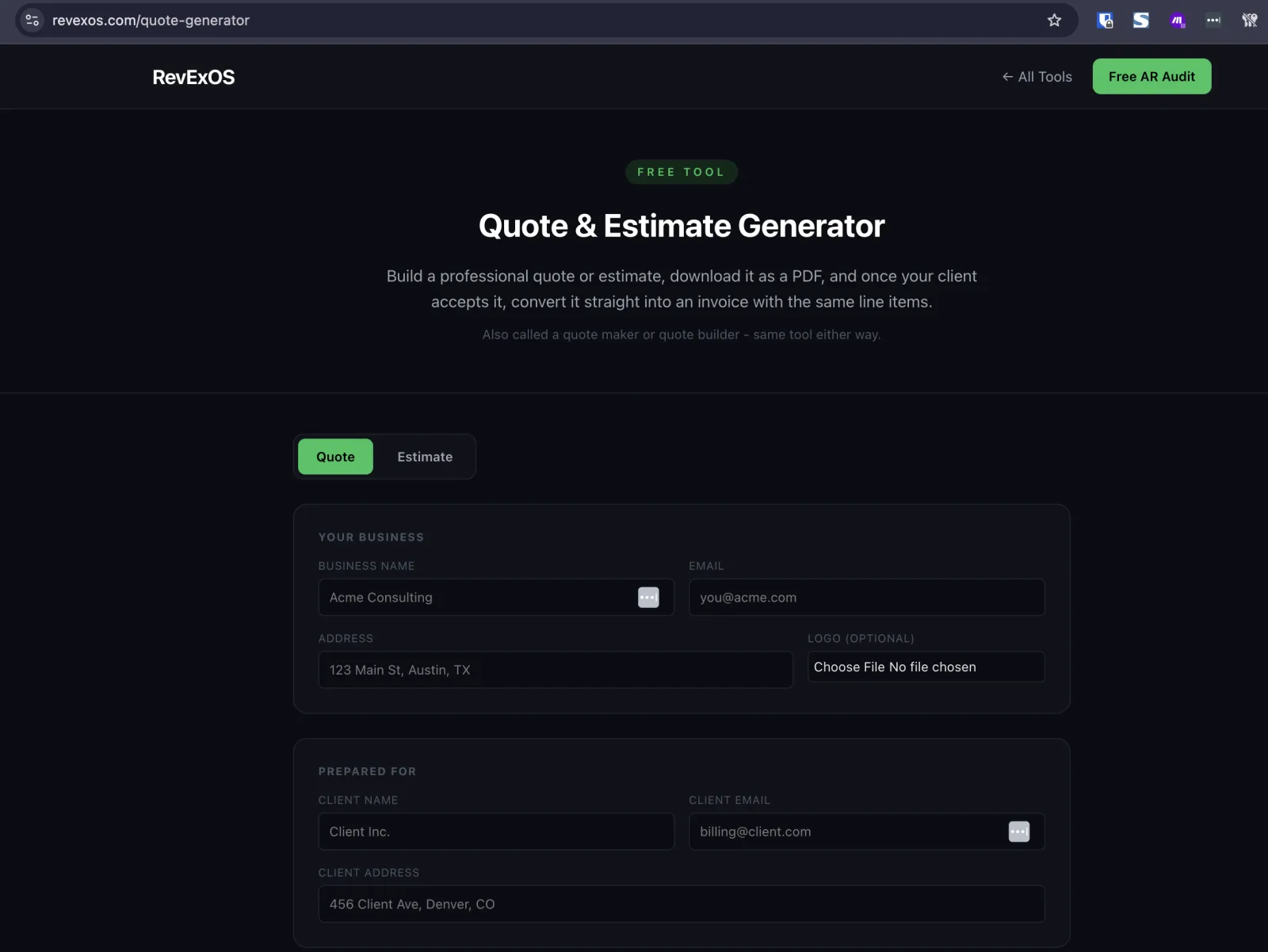
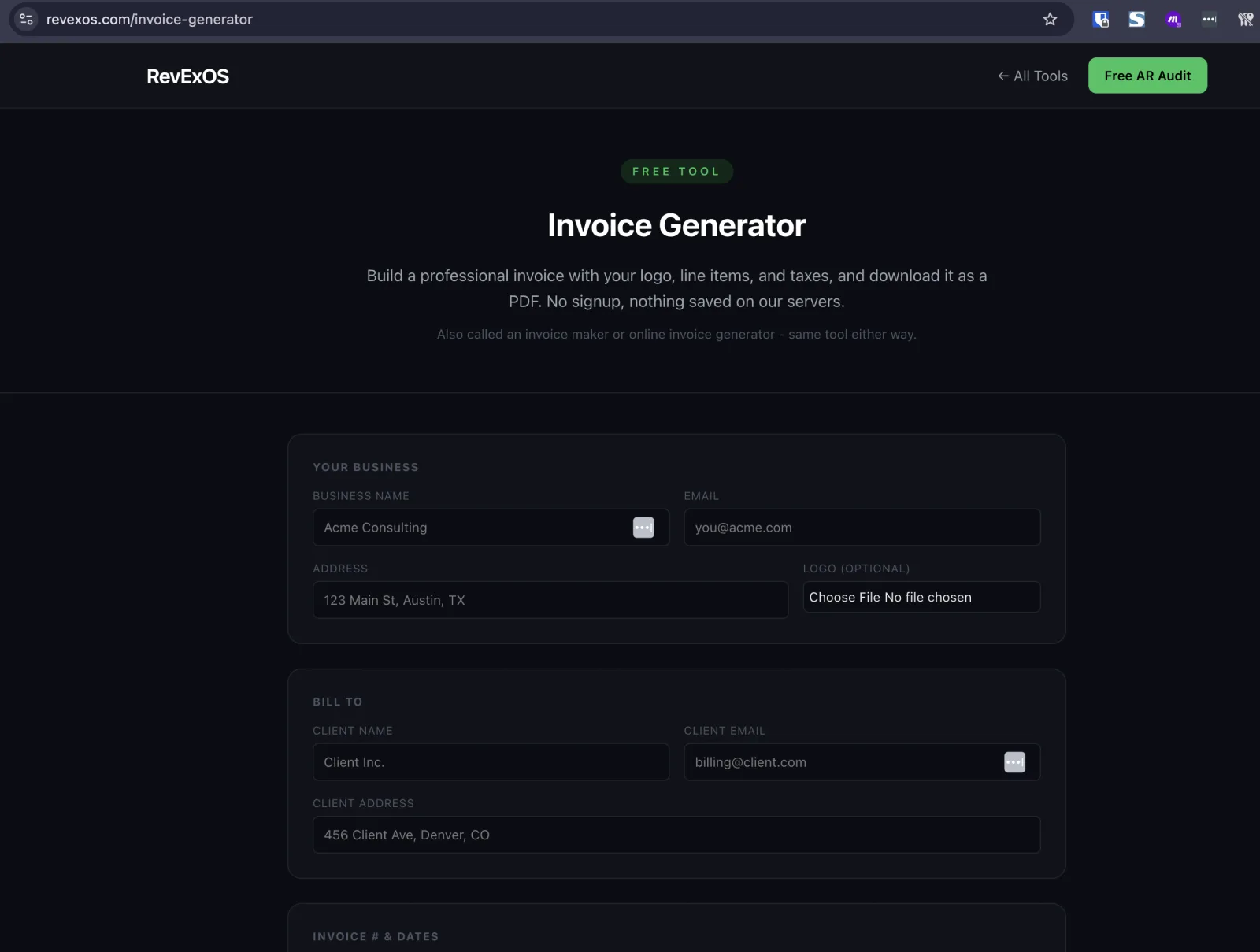
2. The client accepts. This is where the stack actually saves work. Both the Proposal Generator and the Quote Generator have a "Client accepted? Convert to invoice" button. It writes your business info, client info, line items, tax rate, and currency to the browser's sessionStorage, then opens the Invoice Generator with all of it pre-filled. Nothing round-trips to a server to make this happen. You land on the invoice page, adjust the invoice number and due date, and download. The pricing you negotiated is exactly the pricing that gets billed, because it's the same data structure the whole way through, not a re-typed copy of it.
What carries over and what doesn't: business info, client info, every line item, tax rate, and currency move across. The proposal's Scope of Work does not, because an invoice has no scope field, but the pricing built from it does, exactly as agreed. The invoice number and due date don't carry over either, since a proposal's "Valid Until" date and an invoice's due date mean different things, so you add those on the invoice screen. The scope still matters most at the proposal stage: a vague scope is the most common reason a proposal gets renegotiated after the client says yes, so write the deliverables, timeline, and exclusions as if you'll be held to them.
3. Send the invoice. That's the end of the workflow for most one-off jobs: download the PDF, email it to the client, done.
4. If you need it in QuickBooks or Xero, run it through the Parser. The Invoice Generator only produces a PDF - it has no bulk-import export, because a freshly generated invoice doesn't need one for a single transaction. But if you're bookkeeping for yourself or a client and want that invoice recorded properly instead of retyped, upload the PDF you just generated to the Invoice Parser. It extracts every field back out - invoice number, dates, line items, totals - and lets you export a QuickBooks Online-ready CSV or a Xero-ready CSV built to each platform's real bulk-import column headers. You get a full loop: generate a document, hand it to a client, and get it back into structured, importable data without typing it twice.
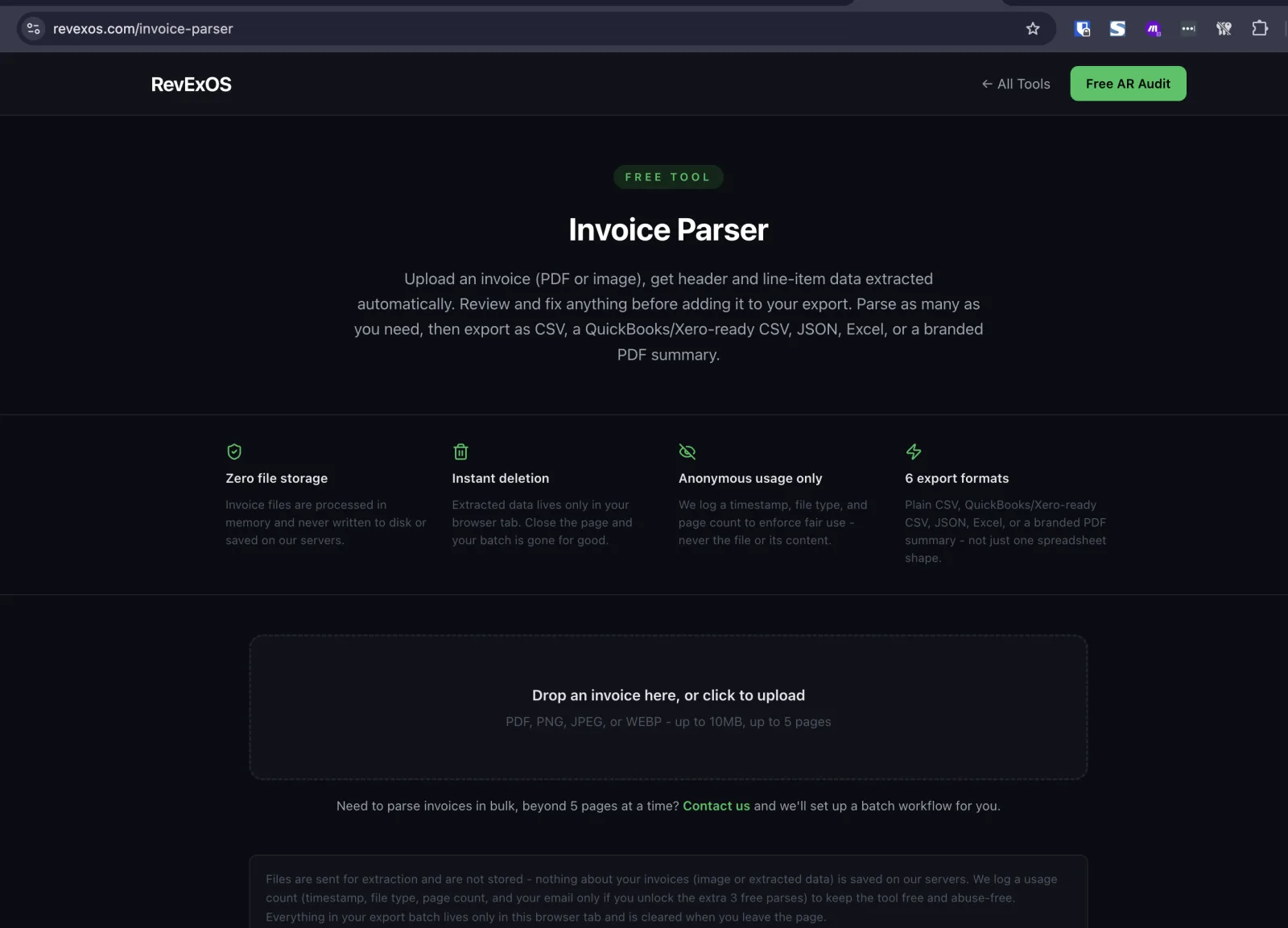
This last step is also the point in the stack that's honest about its limits. The QuickBooks and Xero exports are a best-effort match to each platform's documented import columns, not a guaranteed match to your specific account's mapping, and Xero's import needs an AccountCode filled in from your own chart of accounts before you upload, since the tool has no way to know it. Both platforms also keep a review step before anything is final: QuickBooks asks you to map columns on upload, and Xero lands imported bills as drafts that need approval. The point isn't zero manual steps, it's zero re-typed numbers. Both are covered in detail in the parser walkthroughs linked below.
Where each piece is covered in depth
Invoice Generator
Quote & Estimate Generator
Proposal Generator
Invoice Parser
What this stack is not
It's not a replacement for QuickBooks, Xero, or a real accounting system - it's the layer that gets a document from "I need to bill this" to "this is sitting correctly in my books," with the fewest possible re-typed numbers along the way. It's not built for volume either: the 2-free/5-with-email daily limit is enough for a freelancer, a small agency, or a bookkeeper handling a handful of clients, not a business processing hundreds of invoices a day. If that's your situation, the same tools that show up as the "free tier" comparisons throughout this stack (Wave, QuickBooks, Xero themselves) are the right next step, and the free tools here still work as a fast, zero-signup way to try the workflow before committing to one.
If you're running quote-to-cash at real scale and want to connect these steps instead of running them tool by tool, the lead-to-cash map shows the guides for each handoff. Stuck on one? Ask me.
Frequently Asked Questions
- Do these four tools require separate accounts or logins?
- No. All four (Proposal Generator, Quote Generator, Invoice Generator, Invoice Parser) are free with no signup for the first 2 uses a day, and share a single 5-a-day limit once you provide an email.
- Is any data shared between the tools stored on a server?
- No. The generator-to-generator handoff uses browser session storage, PDFs render client-side, and the parser processes uploaded files in memory without saving them.
- Where do I start if I don't know which document to use first?
- Start with a proposal if the client needs to be sold on your approach, a quote or estimate if the scope is already agreed and you just need a price, or straight to an invoice if there's no negotiation step at all.
- Does converting a proposal to an invoice keep the scope of work?
- No. The scope of work doesn't carry over since an invoice has no scope field, but the line items, pricing, tax rate, and currency built from that scope do.
- Do I still need to review anything, or is this fully automated?
- You still write the scope once, review the parser's extraction before exporting, and approve the import inside QuickBooks or Xero. What's eliminated is retyping the same numbers more than once.
 QuickBooks Online
 Xero
Xero