Shopify and eCommerce Order Fulfillment Workflows
New Shopify orders create fulfillment tasks automatically, new products sync from a spreadsheet into the store, and status updates notify the team and customer the moment work is done.
My role: solo build, from scoping the workflow to deploying and handing it over.
New orders had to be manually reviewed for customization requirements, tasks created by hand in the project management tool, and customers left waiting for status updates with no consistent process.
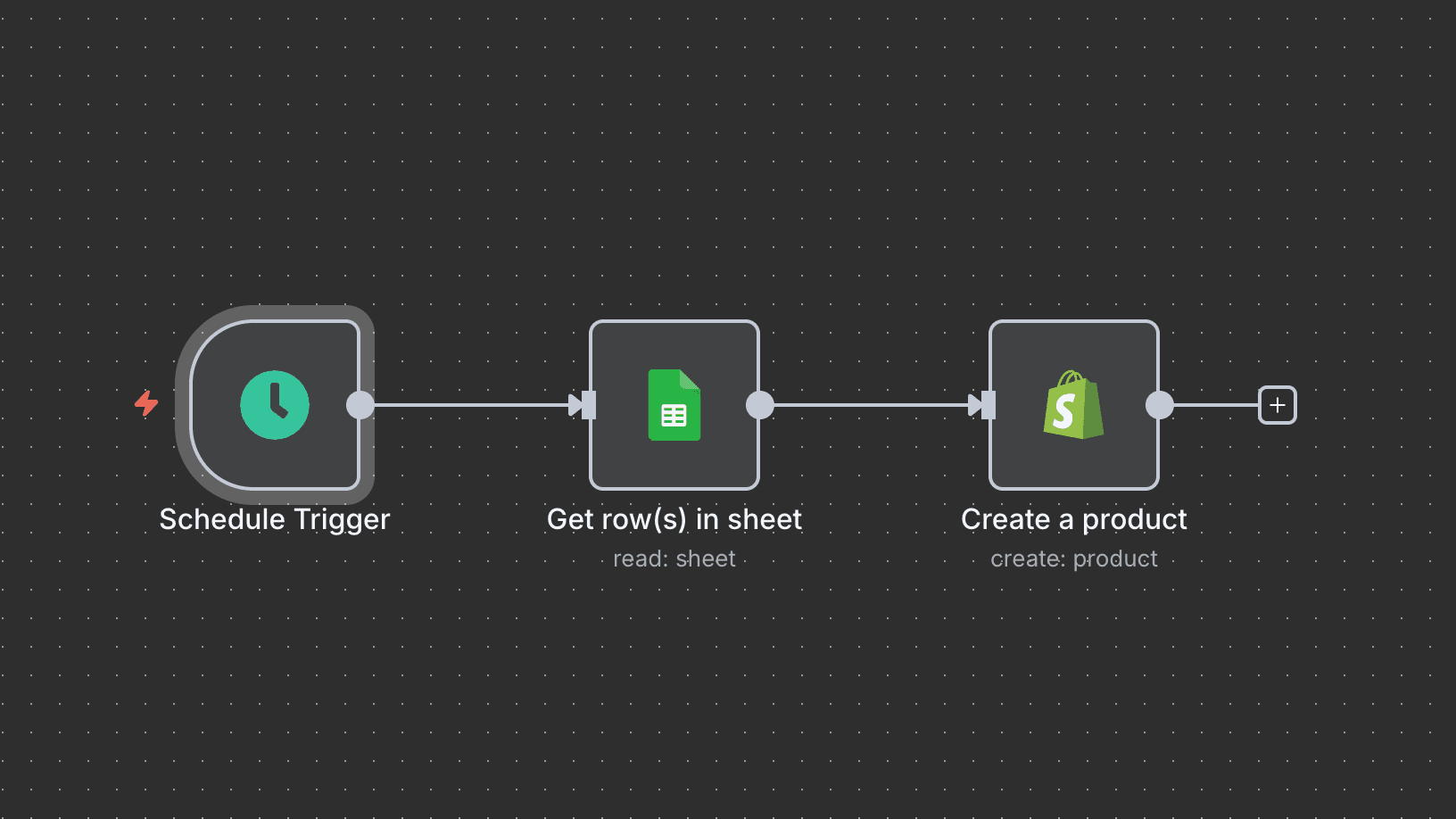
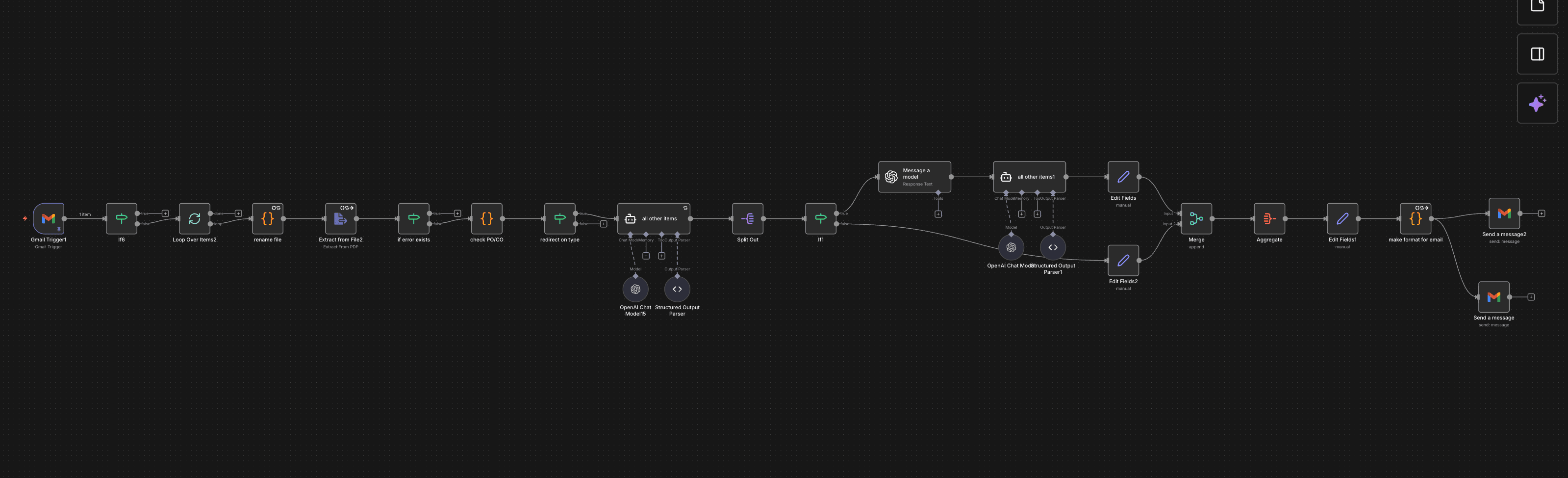
A new Shopify order automatically creates a task in Trello with the order's customization details. On the product side, new rows in a Google Sheet create matching products in Shopify directly - no manual store updates. When a project's status changes to complete, a Slack notification goes out to the team and client automatically.
Stack
How It Works
Order comes in
A new Shopify order triggers a workflow that reads the order's line items and any customization notes.
Fulfillment task created
A Trello (or ClickUp) card is created automatically with everything the fulfillment team needs.
Products sync from Sheets
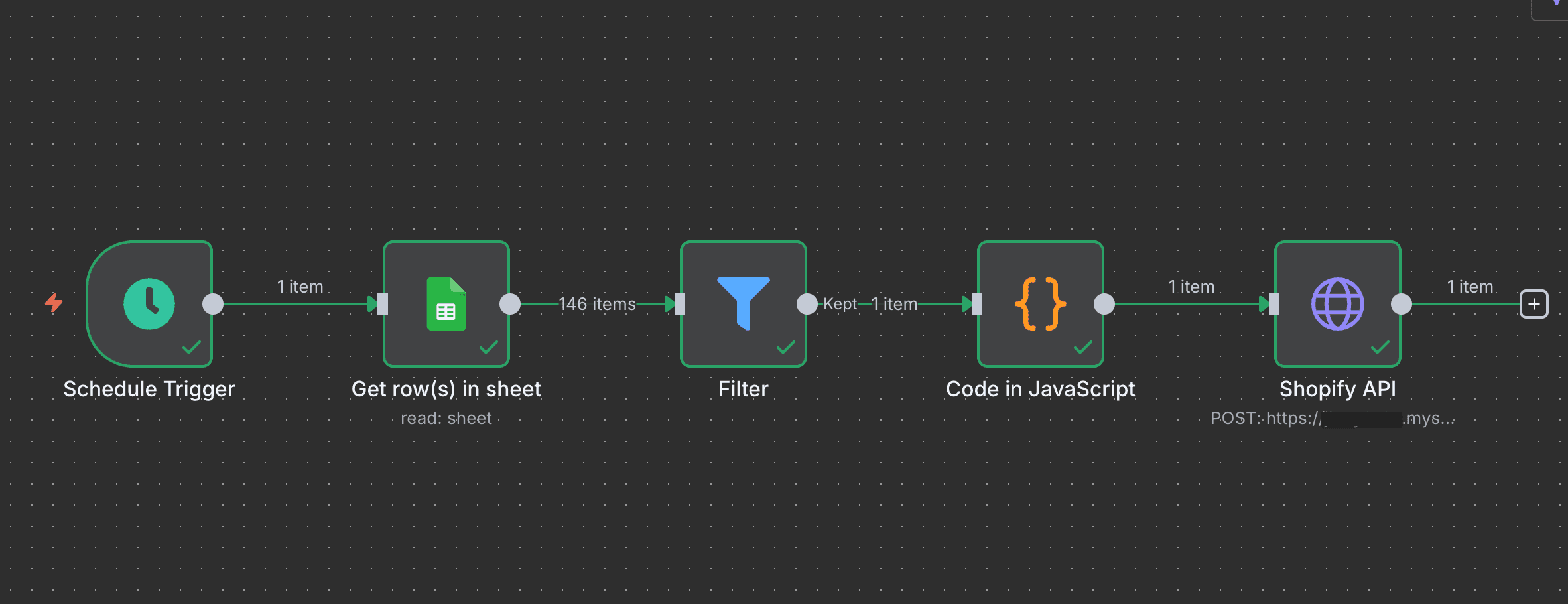
New product rows added to a tracking spreadsheet create matching listings in Shopify on a schedule - no manual store entry.
Status-driven notifications
When a project or order status changes to complete, Slack notifies the right people and the client automatically.
Results
task creation on order
Sheets to Shopify
status notifications
The Workflow